As of this week, both are available! “Labs” and “Beta” labels are gone from the app, help docs are updated, and Build with AI no longer requires opting in.
✨ Build With AI Is Now On for Every Workspace
No opt-in required
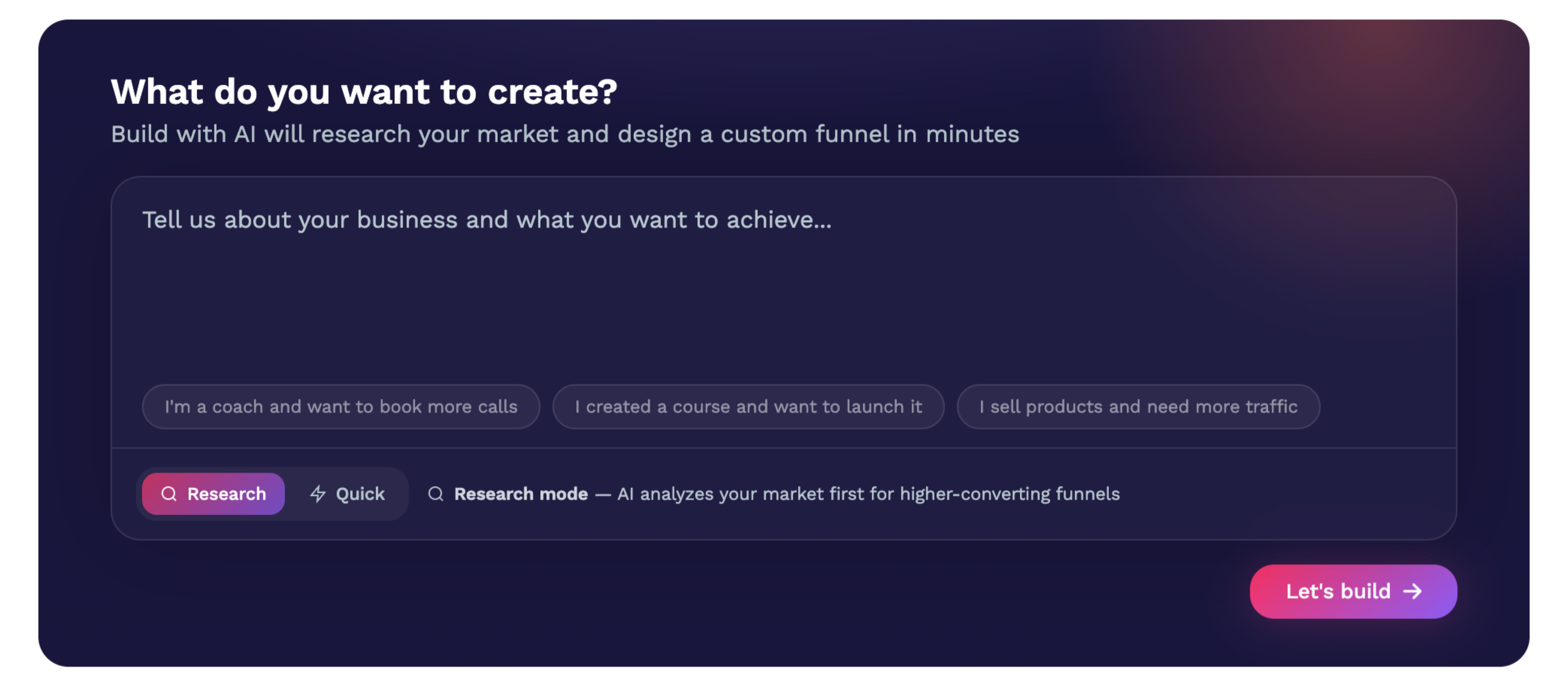
Describe the funnel you want and it builds it: creates the funnel and its steps, designs and generates the pages, and writes the copy.
- 🧩 Proven Recipes — follows funnel recipes that already convert, so you’re not starting from a blank page
- ⚡ Parallel Generation — builds multiple pages at once instead of one at a time
- 🗂️ Reusable Sections — saves sections you can drop into future builds
- ↩️ Instant Revert — changes go live immediately, and if one isn’t right, ask it to revert the page to a previous version
🤖 ClickFunnels MCP Server Is Generally Available
Connect Claude, ChatGPT, or any MCP client
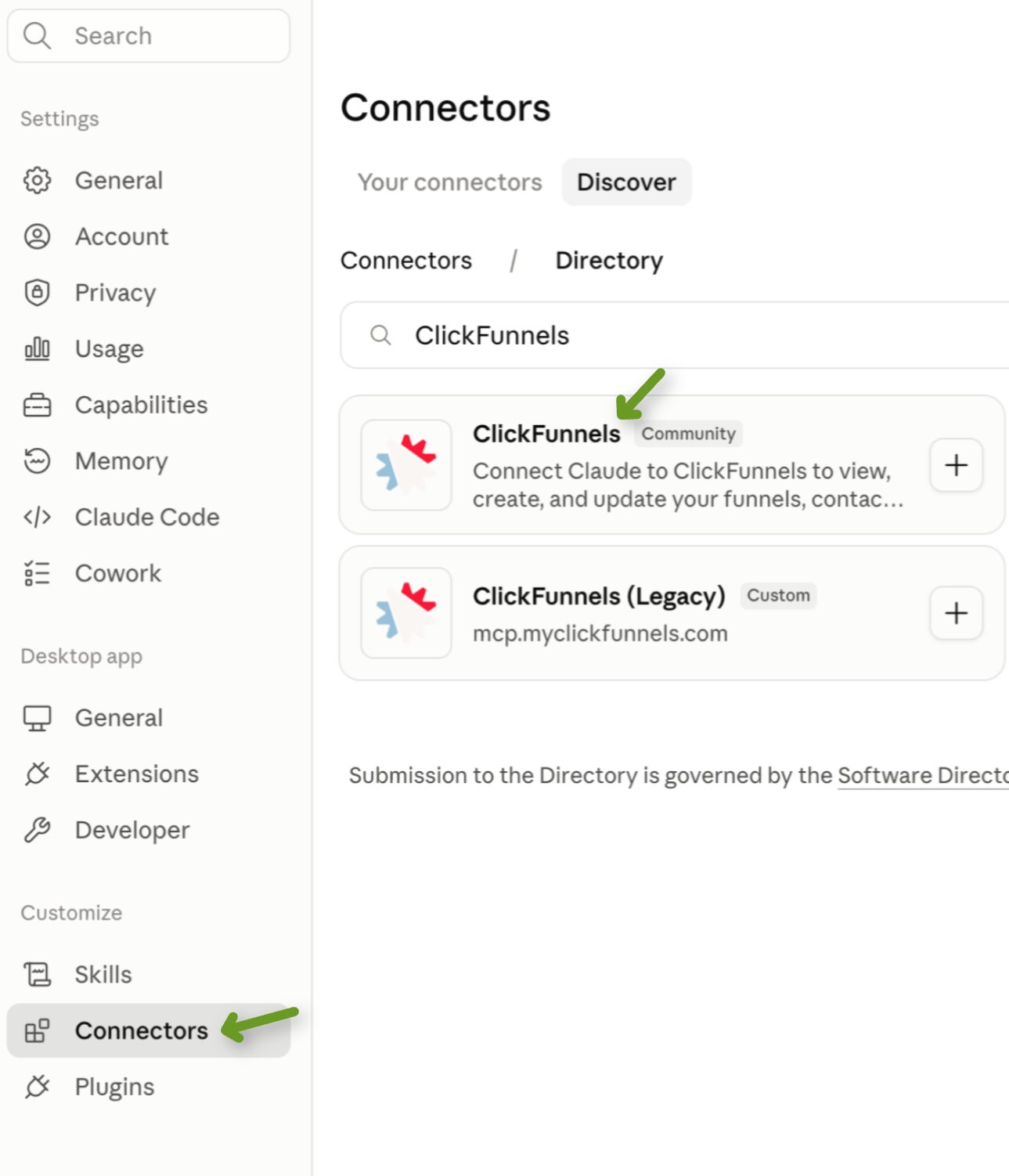
Link your AI assistant to ClickFunnels over a secure, OAuth-authorized connection and manage contacts, funnels, courses, email, store and more through natural conversation.
- 🔐 Scoped Access — at sign-in you pick exactly which workspaces the connection can reach, with read or write access per area
- 🌐 One Connection, Whole Account — a single connection can work across everything you’ve granted it
- 🔌 Any MCP Client — not just the named ones
📚 Help docs: Build with AI · MCP Server